
7 Things to Know Before Ordering at Taco Bell
Taco Bell offers plenty of ways to customize a quick meal, but knowing a few details before ordering can help you find better options for your tastes, budget, and dietary needs. From vegetarian substitutions and nutrition information to app-exclusive rewards, there’s more to consider than what’s pictured on the menu board. These seven tips can help you make informed choices, discover new combinations, and get more out of your next Taco Bell visit.
The Menu Changes, So Check What’s Available
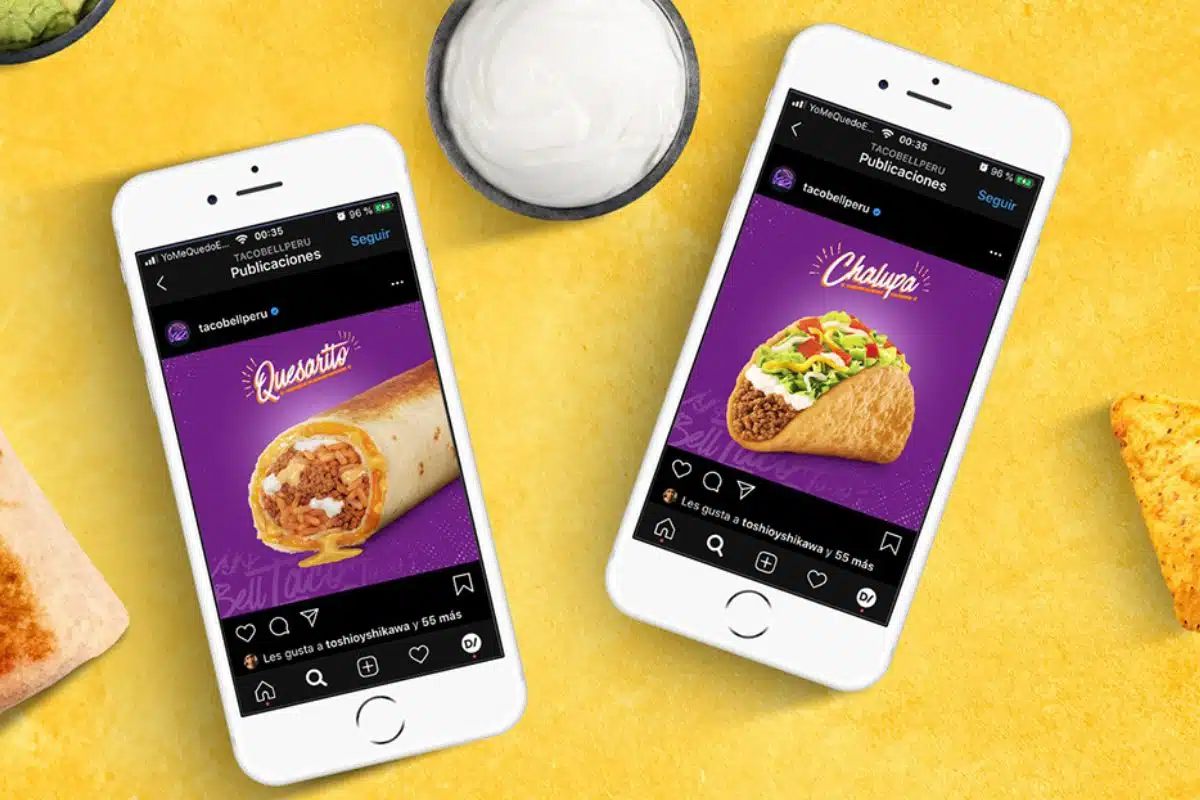
Taco Bell regularly introduces limited-time offerings alongside its core menu, meaning a favorite item may not always be available. New products, returning favorites, and regional test items can vary by location, so an item featured in an older article or social media post may no longer be offered. Check the official menu or your local restaurant’s online ordering page before making a special trip. It’s also worth reviewing the menu in the app, where participating locations display their available items.
Vegetarian Options Go Beyond Bean Burritos

Taco Bell offers several vegetarian choices, including bean-based items and options made vegetarian through substitutions. The chain’s online ordering system includes a “Make it Vegetarian” customization option, while in-store kiosks may offer a “Veggie Mode” to help customers find suitable choices. Both black beans and refried beans are certified vegan by the American Vegetarian Association, according to Taco Bell. However, shared preparation areas and cooking equipment can create cross-contact concerns for some diners, so check the restaurant’s official dietary information if that matters to you.
You Can Customize Your Order to Fit Your Preferences

Taco Bell allows customers to modify many menu items, including changing ingredients, adjusting toppings, and swapping certain proteins. Depending on the item and location, you may be able to add beans, remove sour cream, or change the sauce to create a meal that better suits your preferences. Keep in mind that substitutions and add-ons can affect the final price and nutrition information. Review your customized order before checkout so you know exactly what you’re getting.
Check the Nutrition Information Before You Order

Calories, sodium, protein, carbohydrates, and other nutrition details can vary considerably between menu items and customized orders. Taco Bell provides official nutrition information and a calculator that can help you review the nutritional breakdown of your selection. Removing a topping or changing an ingredient may alter the totals, so check the information for your actual order rather than relying on figures from an older menu or third-party article. This is especially useful if you’re monitoring sodium, calories, or protein intake.
Sauces and Extras Can Change Your Order

Sauces, cheese, sour cream, and other extras can add flavor, but they may also change a meal’s calorie, fat, or sodium content. If you’re trying to keep an eye on those numbers, compare the nutrition information before adding multiple toppings or sides. You don’t necessarily have to skip everything you enjoy; choosing one favorite sauce or topping may be enough to give your meal the flavor you’re after. The nutrition calculator can help you see how your choices affect the overall order.
Don’t Assume There’s an Official Secret Menu

Taco Bell fans often share custom combinations online, but many so-called secret-menu items are simply customer-created modifications of existing products. Availability can depend on which ingredients a location carries and which substitutions its ordering system allows. Rather than relying on a viral video or an old list of secret items, start with a regular menu item and see which modifications are available through the app or at the counter. That approach makes it easier to understand the price and confirm that the restaurant can prepare your request.
The App Can Help You Find Rewards and Ordering Options
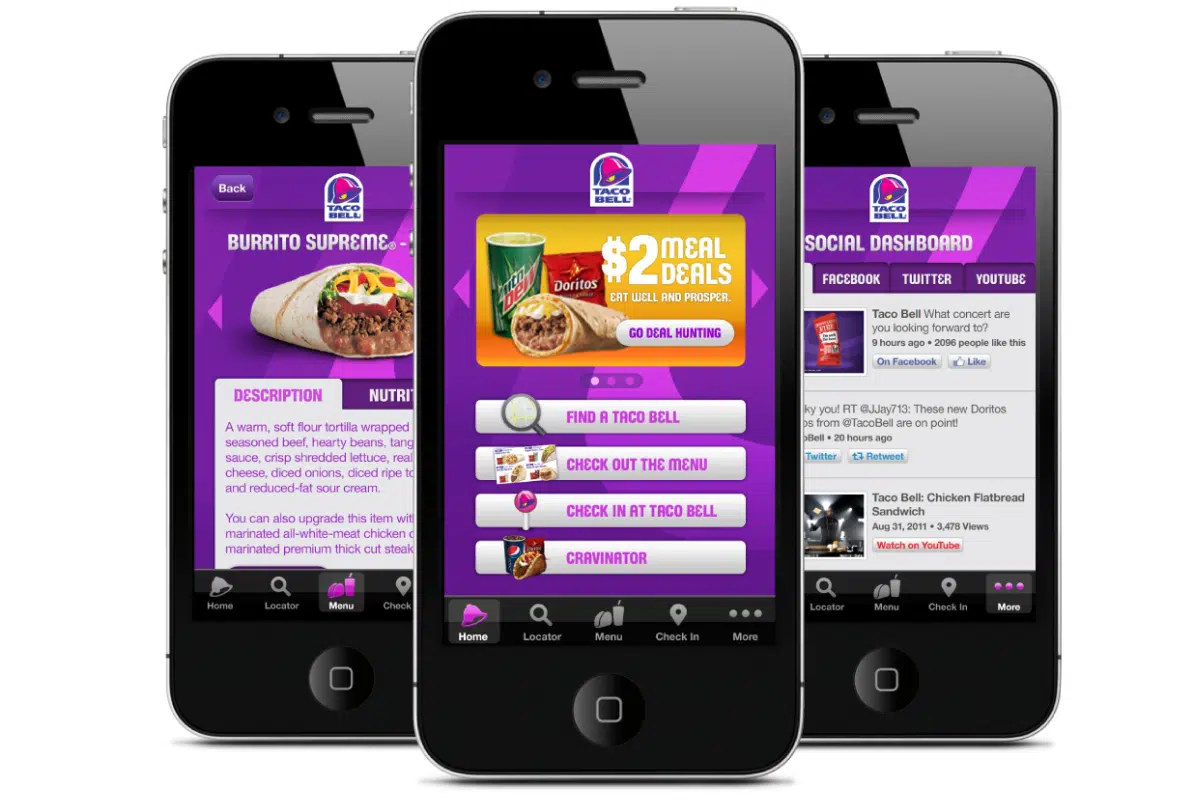
Taco Bell’s app lets customers customize orders, save favorite combinations, and access the Taco Bell Rewards program. Members can earn points on qualifying purchases and redeem available rewards, while eligible offers and promotions may provide additional savings. The app also supports pickup and delivery at participating locations, with availability depending on the restaurant and order. Before checking out, compare the listed offers and final total, including any delivery fees, to decide whether ordering through the app is the best value for you.
This post may contain affiliate links or sponsored content. Disclosure Policy