
6 Smart Taco Bell Ordering Tricks That Can Upgrade Your Meal
Taco Bell’s menu is known for customization, but many customers stick with the same orders every time they visit. With a few simple ordering strategies, you can change up your meal, get more variety, and make better use of the ingredients already available on the menu. From customizing classic favorites to knowing which options add more flavor and value, these tips can help you create a Taco Bell order that feels a little more personalized.
Customize Your Order With Easy Ingredient Swaps

One of the best things about Taco Bell is the ability to modify many menu items to match your preferences. Customers can often add, remove, or swap ingredients such as sauces, cheeses, proteins, and toppings depending on availability. Small changes can completely transform a familiar item. Adding extra lettuce, choosing a different sauce, or swapping a filling can help you create a meal that feels new without ordering something entirely different.
Ask for Sauce Packets to Add Extra Flavor

Taco Bell’s sauce packets are a simple way to change the flavor profile of your meal. Whether you prefer mild, spicy, or extra-hot flavors, adding sauce can bring more variety to tacos, burritos, quesadillas, and other menu items. Instead of using the same sauce every time, try pairing different varieties with different foods. A milder sauce may complement a cheesy item, while a hotter option can add a stronger kick to a meat-filled burrito.
Consider Ordering Items “Fresco Style”

For customers looking for a lighter customization option, Taco Bell’s Fresco-style ordering allows certain dairy-based toppings and sauces to be replaced with fresh tomatoes. This option can change the texture and flavor of select menu items. Fresco-style ordering is especially useful for people who prefer a simpler combination of ingredients or want to adjust a meal without completely changing the order. Availability and menu options can vary, so check what modifications are offered at your location.
Turn a Favorite Menu Item Into a Different Meal

Sometimes the best Taco Bell orders come from thinking beyond the standard menu combinations. A taco can become part of a larger meal, a burrito can be customized with additional toppings, or a classic item can be paired with sides and drinks to create a different experience. Many longtime customers experiment with combinations that fit their appetite and budget. Exploring customization options can help you discover new favorites without relying only on limited-time offerings.
Use the Taco Bell App to Find Deals and Customize Orders
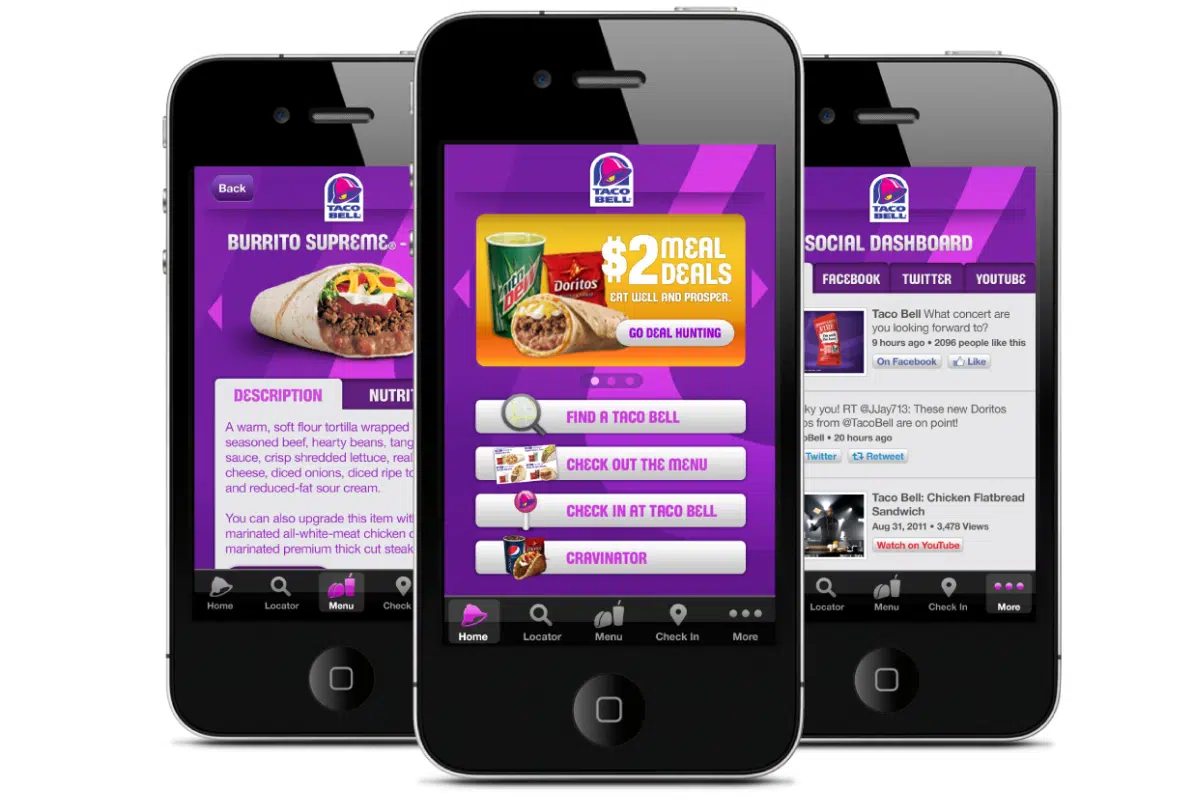
The Taco Bell app makes it easier to explore menu options, compare prices, and customize items before placing an order. App users may also have access to rewards, exclusive promotions, and digital-only offers. Ordering through the app also lets you review modifications before checkout, which can reduce mistakes. For frequent customers, joining the rewards program can be a simple way to earn benefits from purchases you were already planning to make.
Check for Limited-Time Items and Seasonal Additions

Taco Bell frequently introduces limited-time menu items that bring new flavors and combinations to the restaurant. Trying these offerings can be an easy way to break out of your usual order and discover something different. Some returning favorites have developed loyal followings because customers enjoy their unique ingredients or flavors. Checking the menu before ordering can help you find new options that may not be available year-round.
This post may contain affiliate links or sponsored content. Disclosure Policy